Quick Start: Your First Journey with uSpeedo.ai
A simple, friendly guide to help you set up, create, and publish your first AI-powered content in minutes.
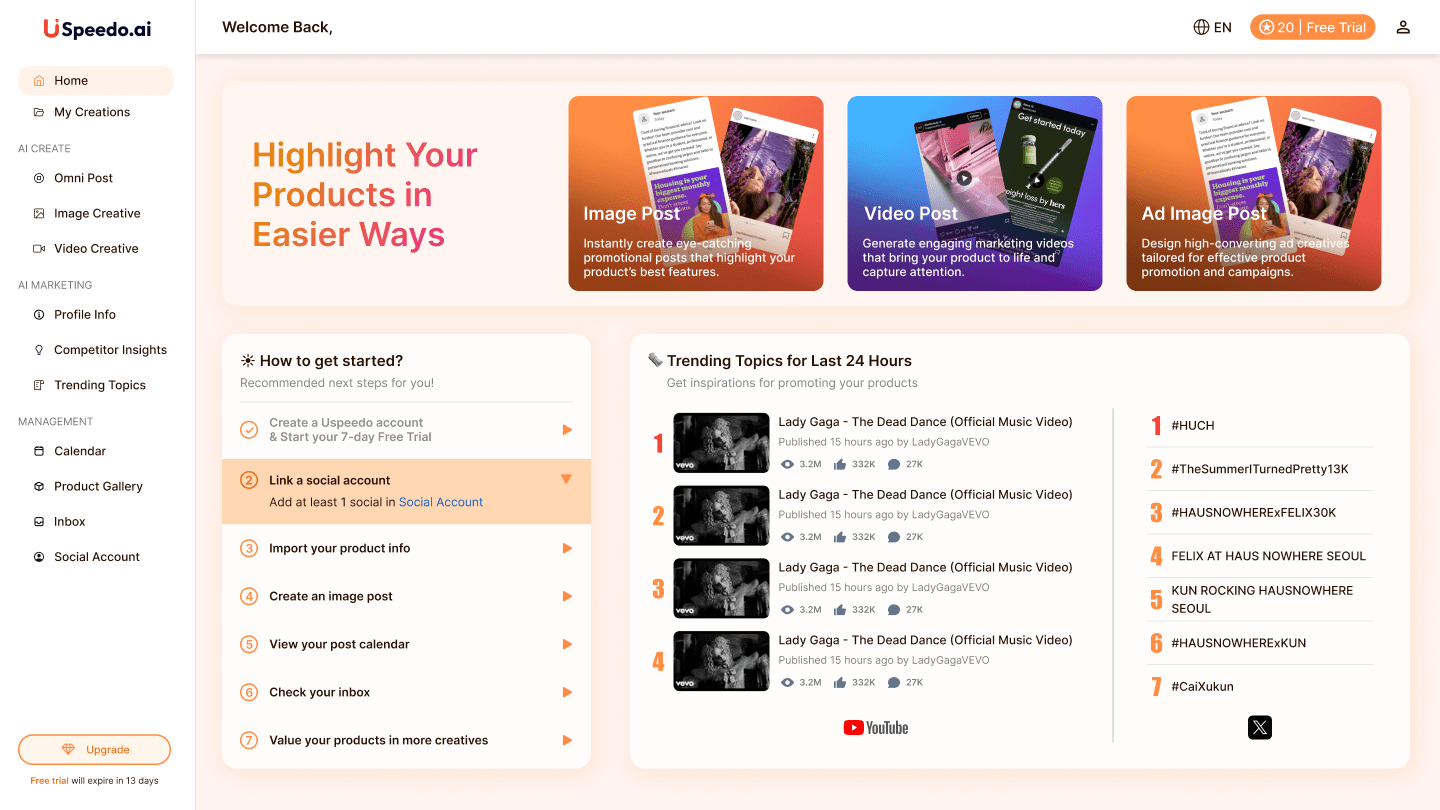
Create Your uSpeedo.ai Account
Sign up with your email or social login — it only takes a moment.
Enjoy a 7-day free trial with full access to all creative tools, from image generation to trend insights.
No credit card required — just your ideas.
Import Your Product Info
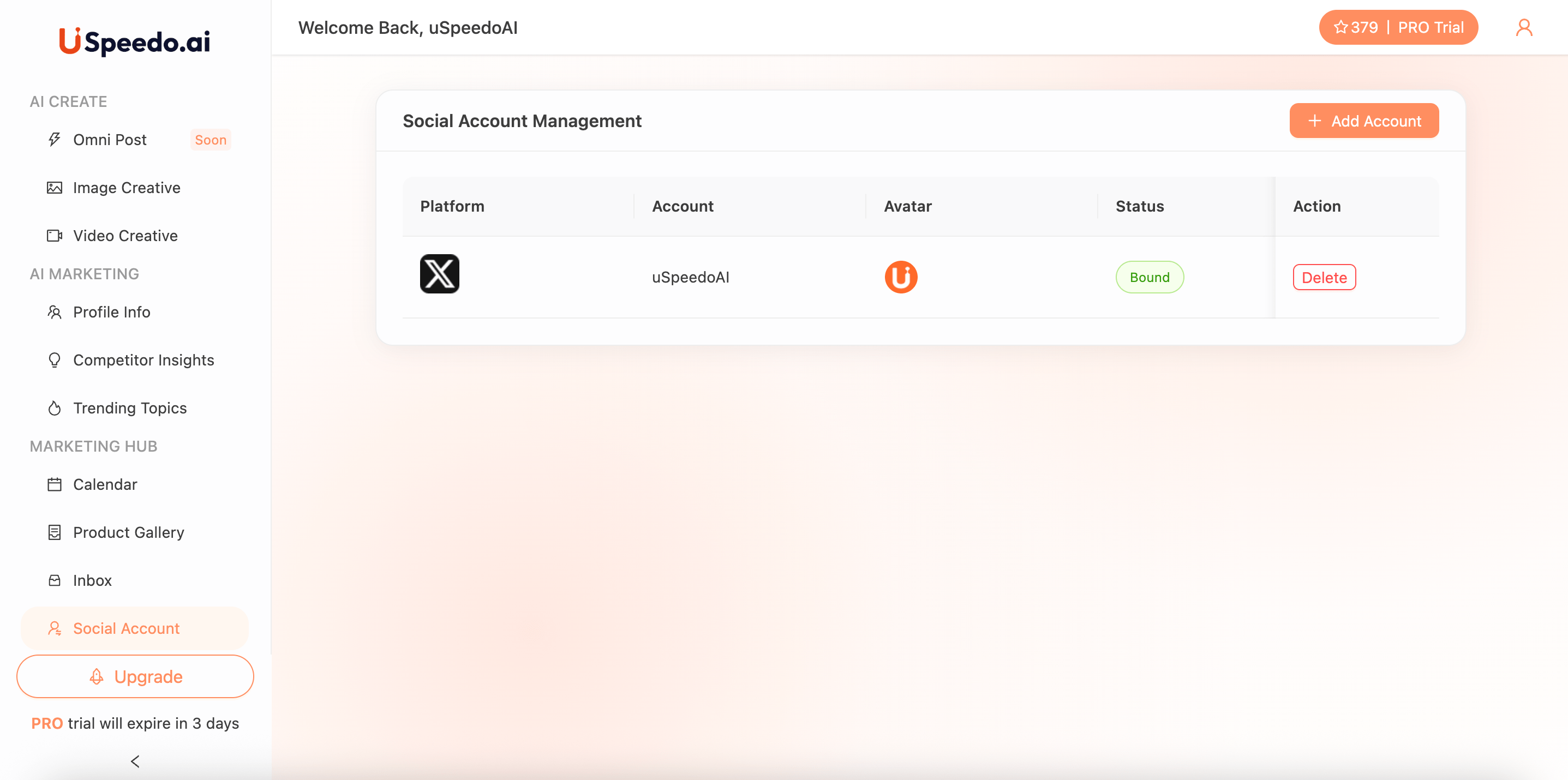
Go to Product Gallery and upload your product visuals or brand photos.
uSpeedo.ai automatically learns your brand's tone, style, and identity to generate consistent content.
All your uploaded assets will be neatly organized in the Product Gallery for future use.
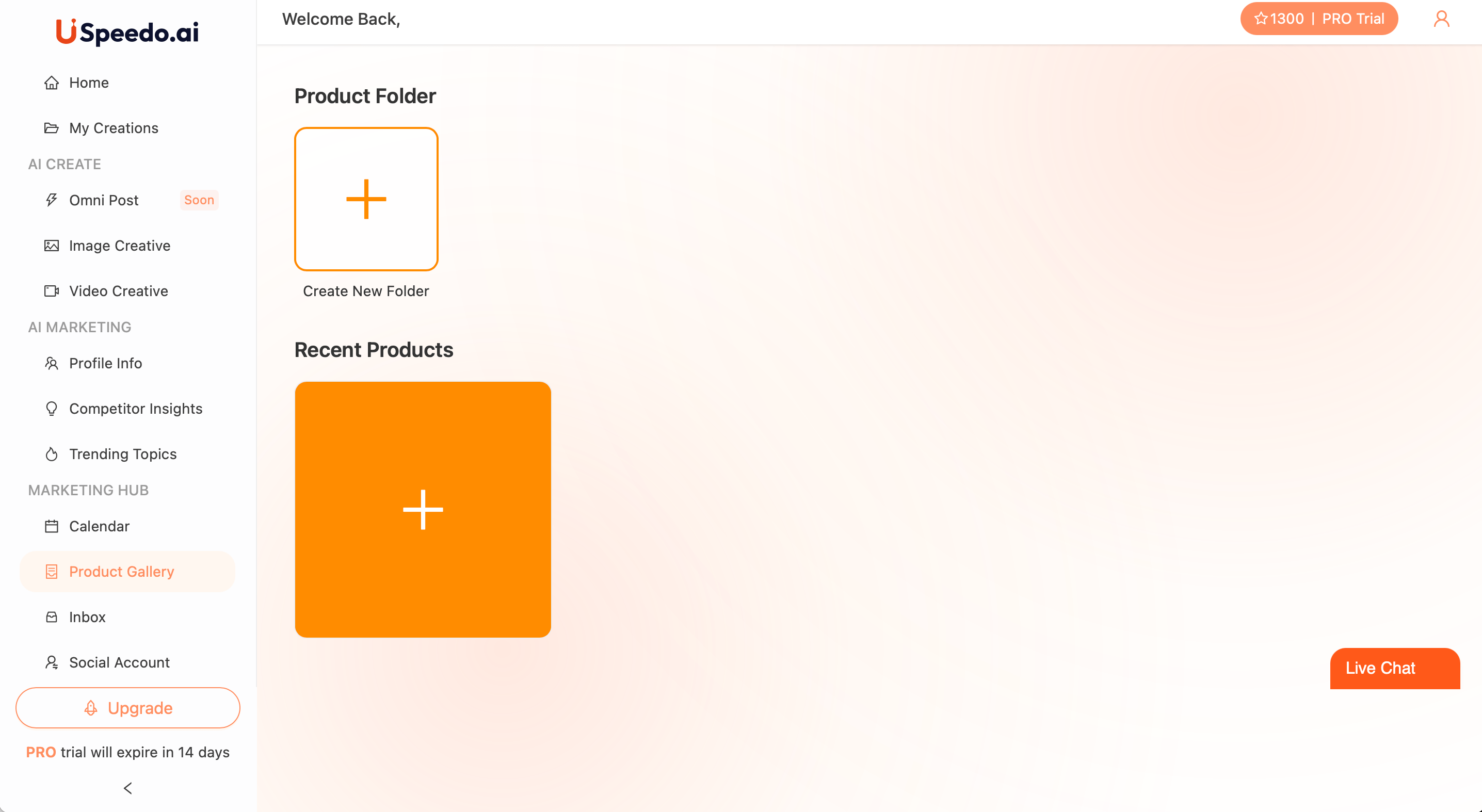
Create Your First Image Post
Go to AI Create → Image Creative and select one of your products.
Choose Post or Ad, select your product from the Product Gallery, and pick one or more social platforms.
You can add topics like "New Launch" or "Limited Offer", upload a reference image, and adjust language or tone under More Settings.
Click Generate, and uSpeedo.ai will instantly create an on-brand image and caption ready for sharing or export.
Tip: Use clear product images and focused topics for the best results.
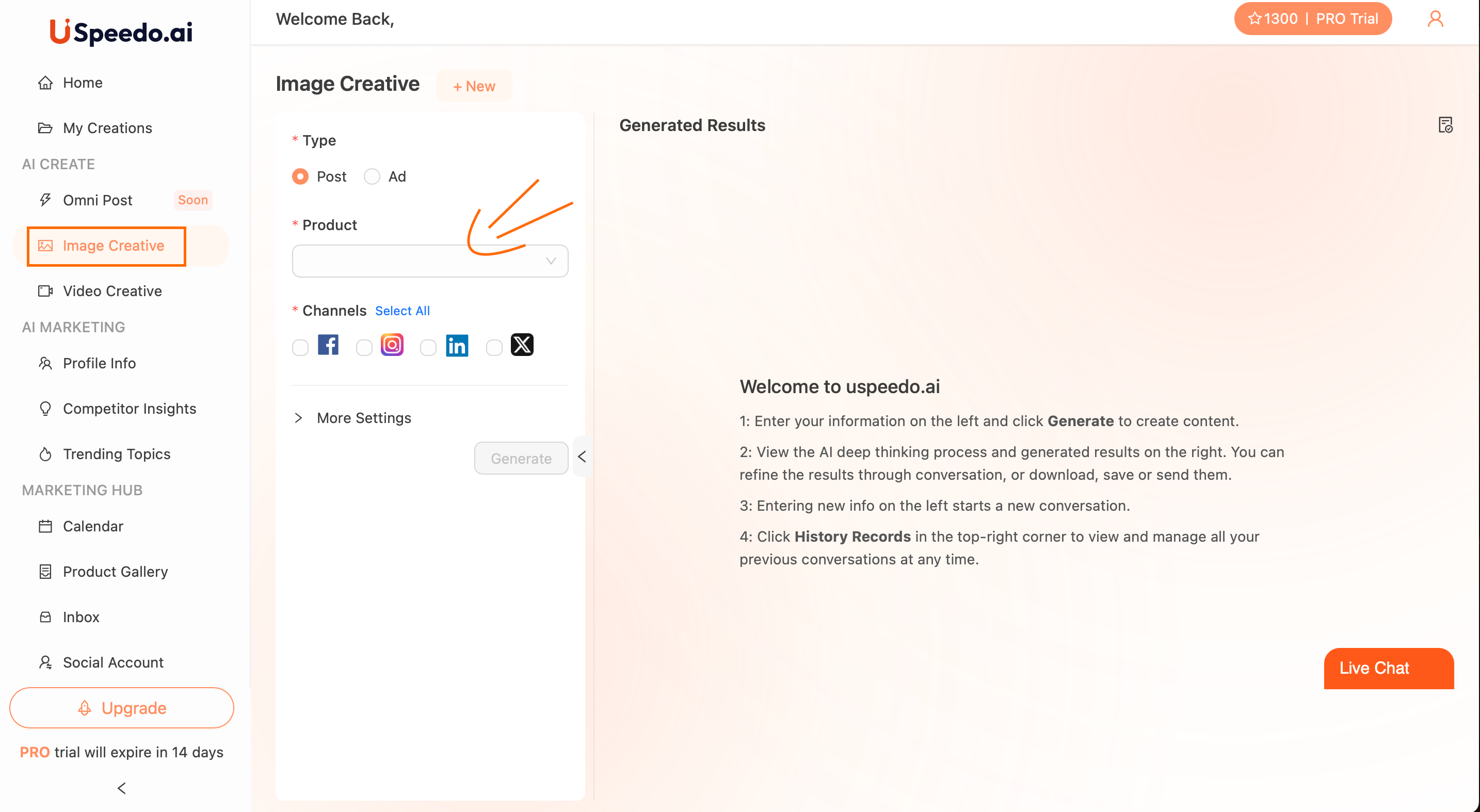
Link Your Social Accounts
Go to Social Account → Connect and link your Facebook, Instagram, LinkedIn, or X accounts.
Once connected, you can preview and publish your AI-generated posts directly — no need to switch platforms.
View and Plan with Your Marketing Calendar
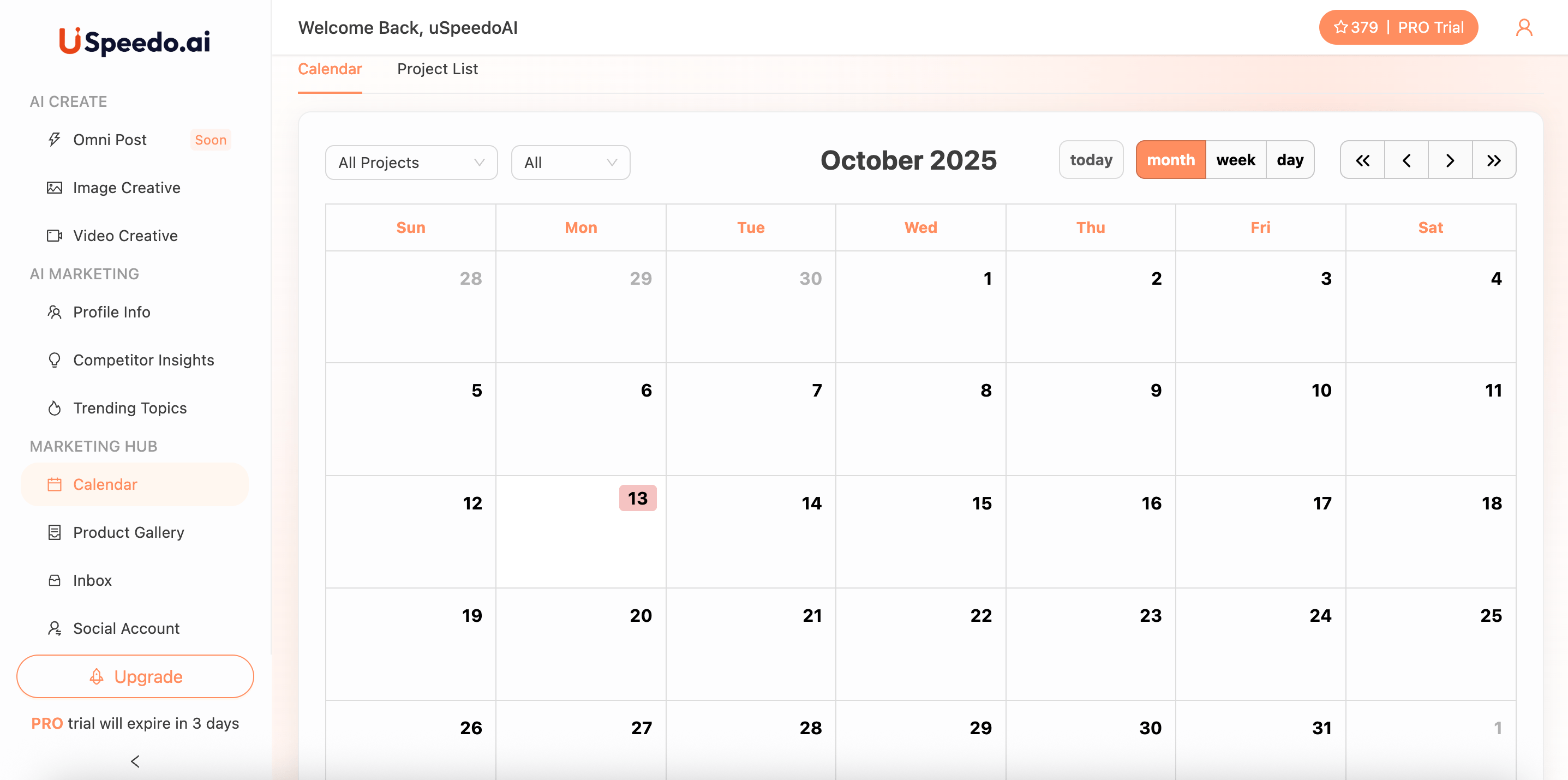
Open the Calendar in Marketing Hub to see your generated or scheduled posts.
You can easily organize your campaign timeline, adjust dates, and plan for key events or holidays.
Check Your Inbox and Engage
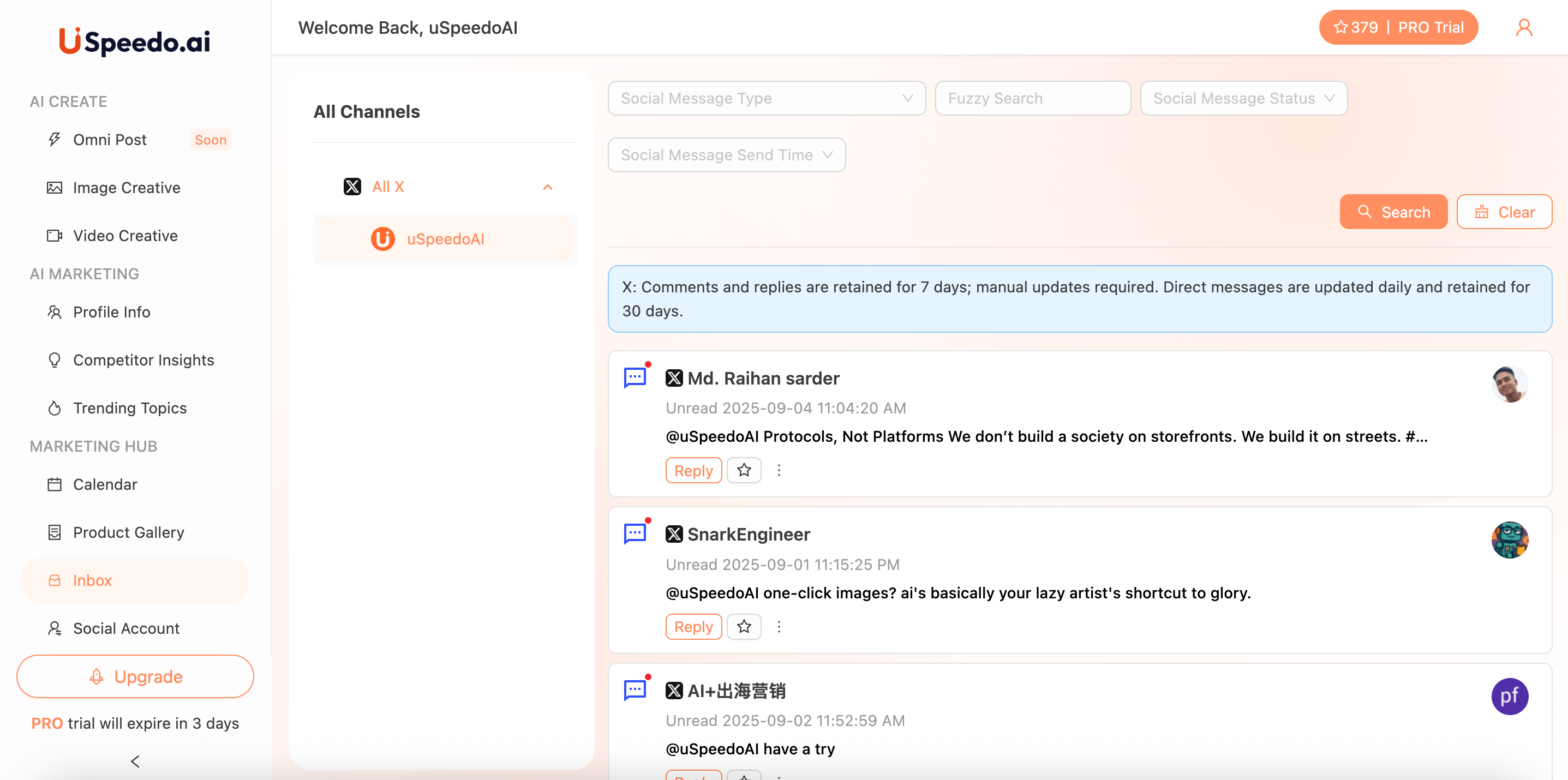
Visit the Inbox tab to view and reply to comments or messages from your connected platforms.
Keep your communication centralized and efficient.
Note: X comments are stored for 7 days, and DMs for 30 days.
View Your Products in My Creations
After generating visuals or videos, head to My Creations to view all your saved projects in one place.
Stay organized and keep your best-performing assets ready for future campaigns.