Creating a Product Video
Generate high-quality product or brand videos automatically with AI. Choose a style, upload your visuals, and let uSpeedo.ai craft polished, ready-to-share videos in seconds.
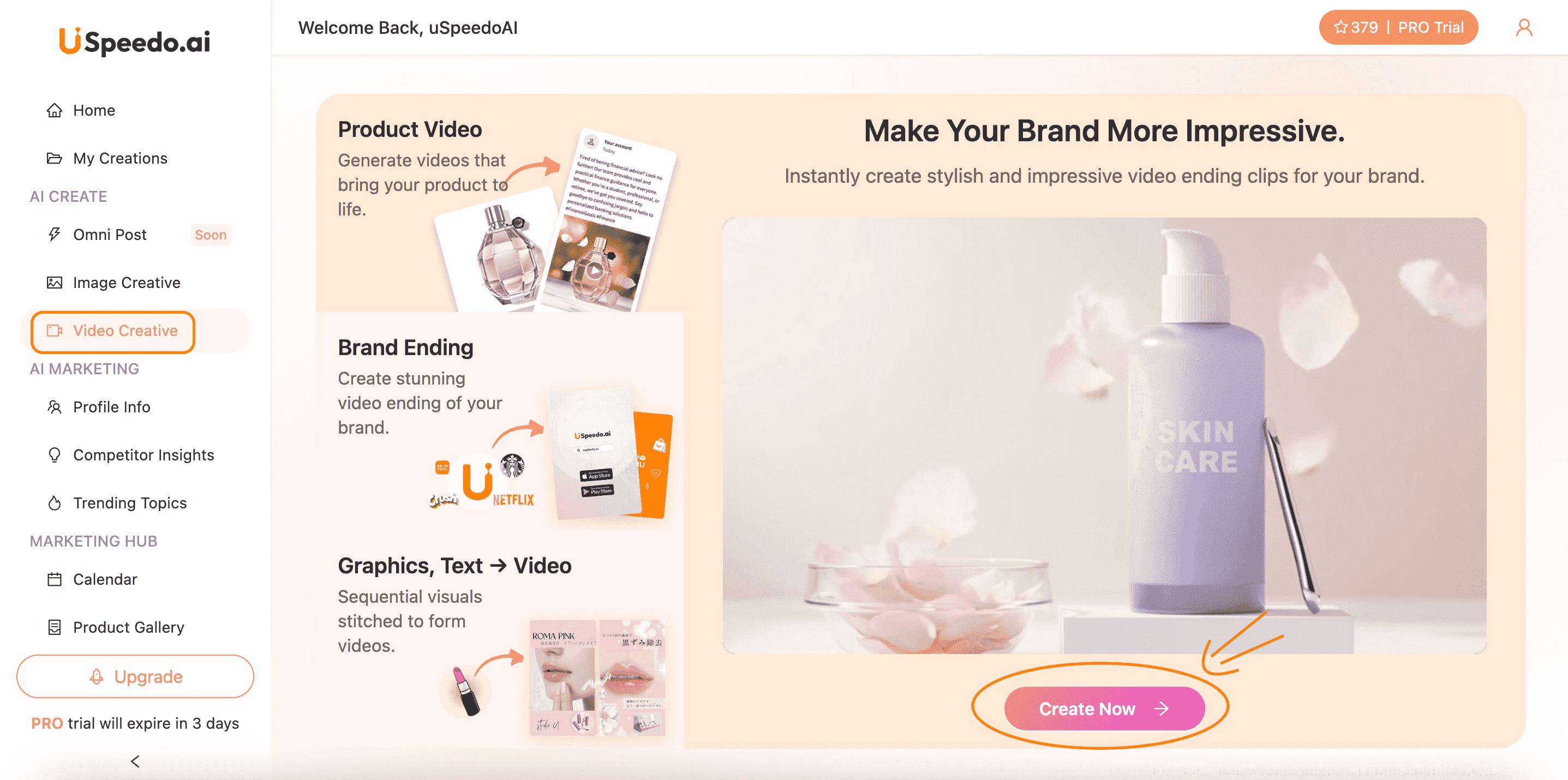
Step-by-step Guide
Go to AI Create → Video Creative
Start your video creation journey directly from the uSpeedo.ai dashboard.
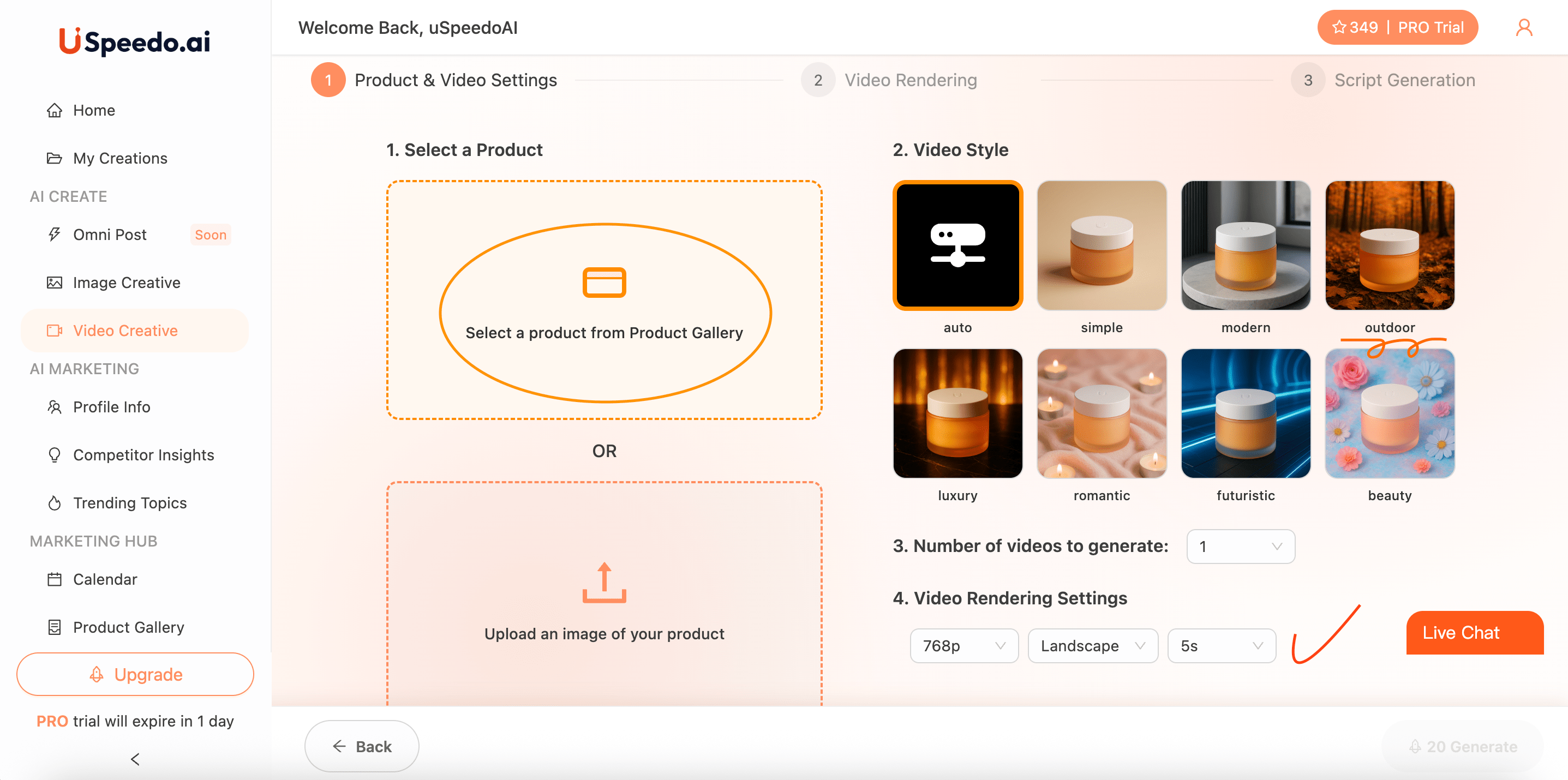
Select a product
Choose one of your products from the Product Gallery, or upload a new product image. This helps the AI identify what's being promoted and tailor the visuals accordingly.
Pick a Video Style
Pick the mood or creative direction that fits your brand — Auto, Simple, Modern, Outdoor, Luxury, Romantic, Futuristic, or Beauty.
Each style adjusts lighting, mood, and motion to suit your product's tone.
Set "Number of videos to generate"
Pick how many versions you want in one run.
Configure Video Rendering Settings
• Resolution (e.g., 768p)
• Orientation (Landscape / Portrait / Square)
• Duration (e.g., 5s or 10s)
Click "Generate."
Uspeedo AI analyzes your visuals and product tags to:
• Detect core visual elements (color, texture, object focus)
• Apply motion logic suitable for your target platform
• Generate matching background music and caption templates
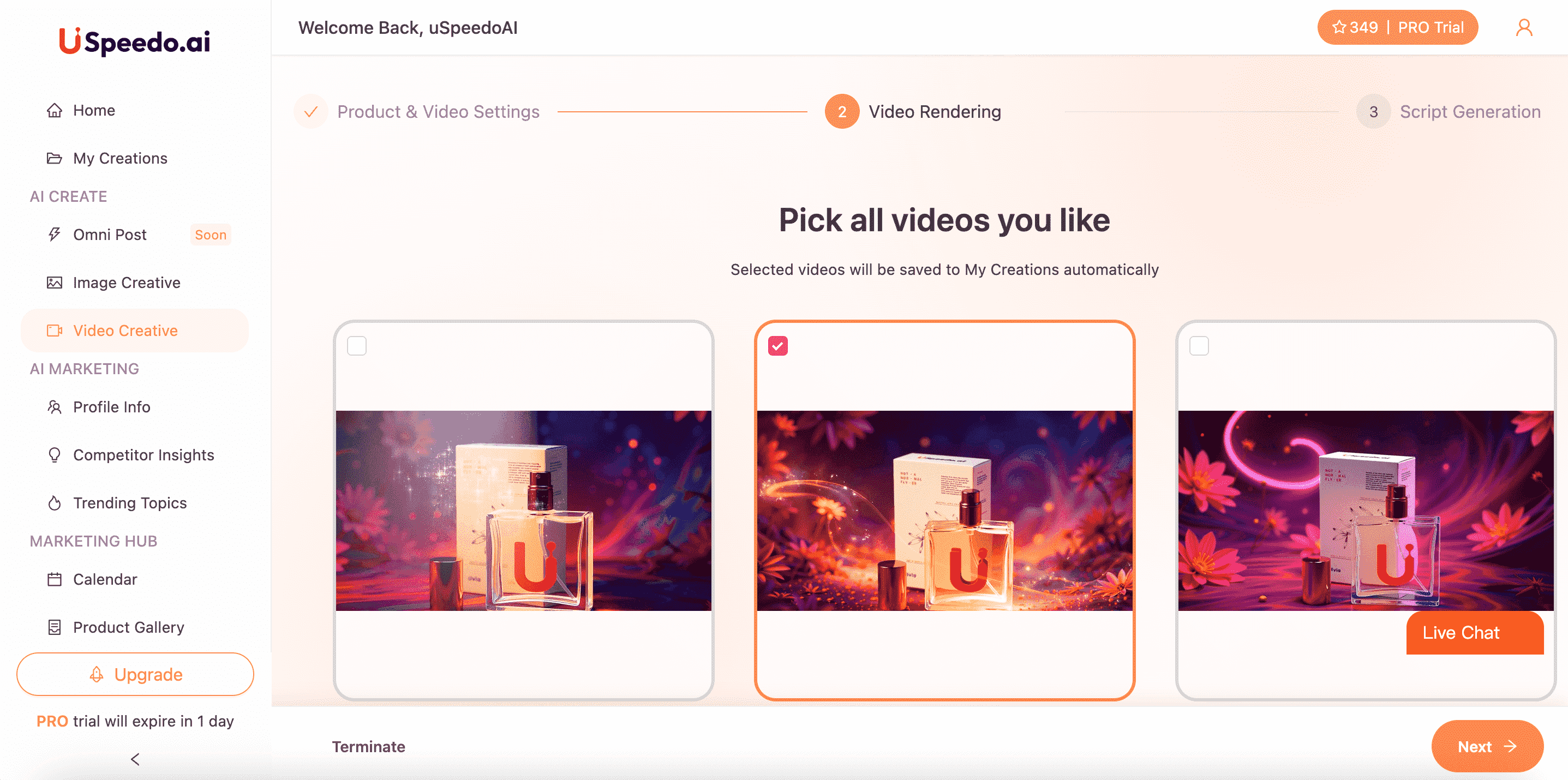
Review the Rendered Video
Once the video is generated, preview it in the Video Rendering step.
You can select up to 3 videos for script generation.
Add a Script and Audio
Head to the Script Generation tab to enhance your video with captions or voiceover.
Choose one of the AI-generated scripts or write your own.
The selected script will automatically sync with your video's visuals and embedded audio.
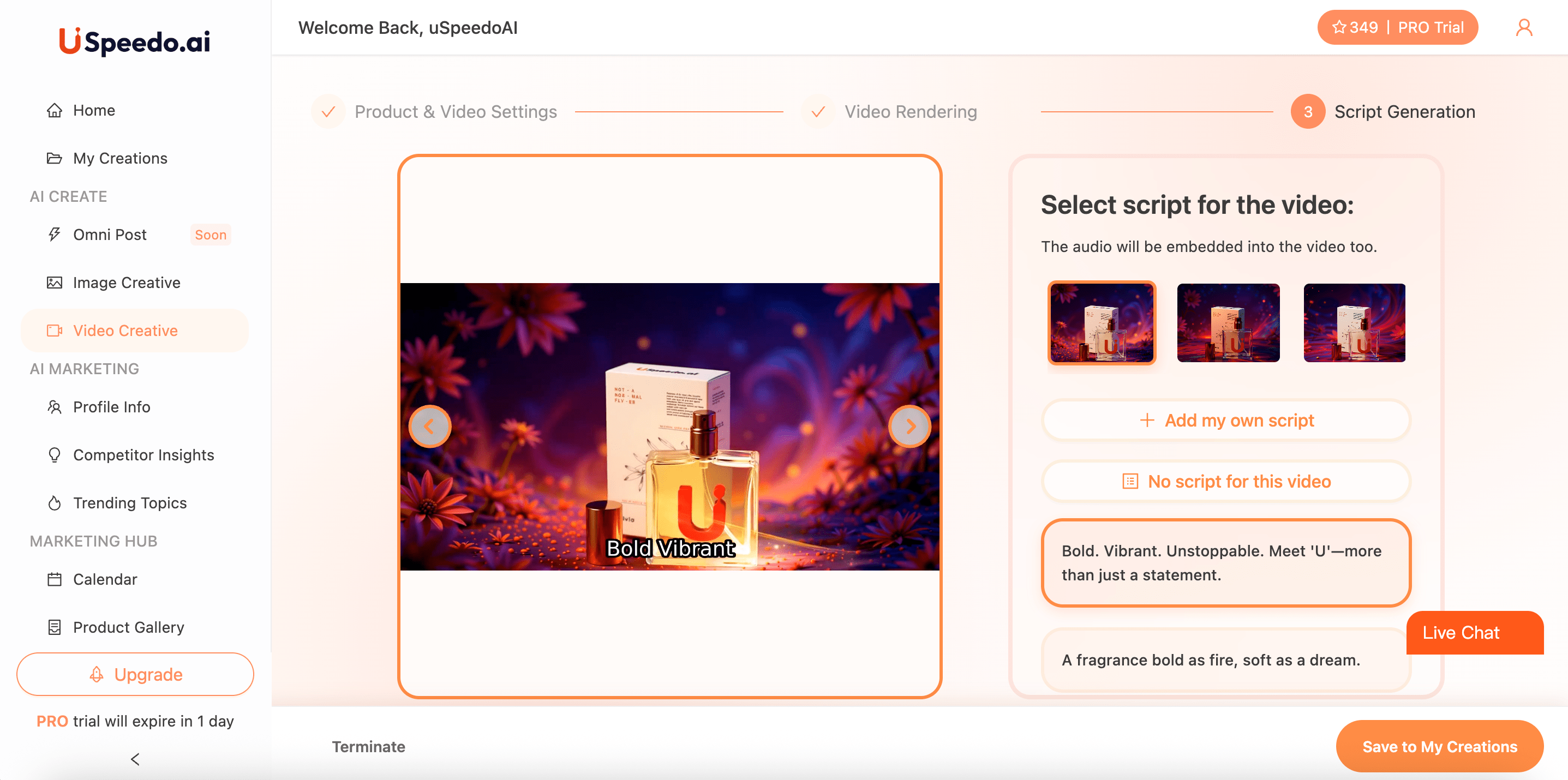
Save or Export Your Creation
Click Save to My Creations to store your final video.
You can edit it later, download it, or publish directly through your connected accounts.
Tip: For the best performance, upload high-quality product images and pick a style that complements your campaign theme — for example, Luxury for premium branding or Romantic for lifestyle campaigns.