Product Gallery
The Product Gallery is your central hub for managing product information and creative assets.
Here, you can organize your brand portfolio, upload visuals, and provide key product details that fuel AI-generated content across the platform.
How to Add a Product
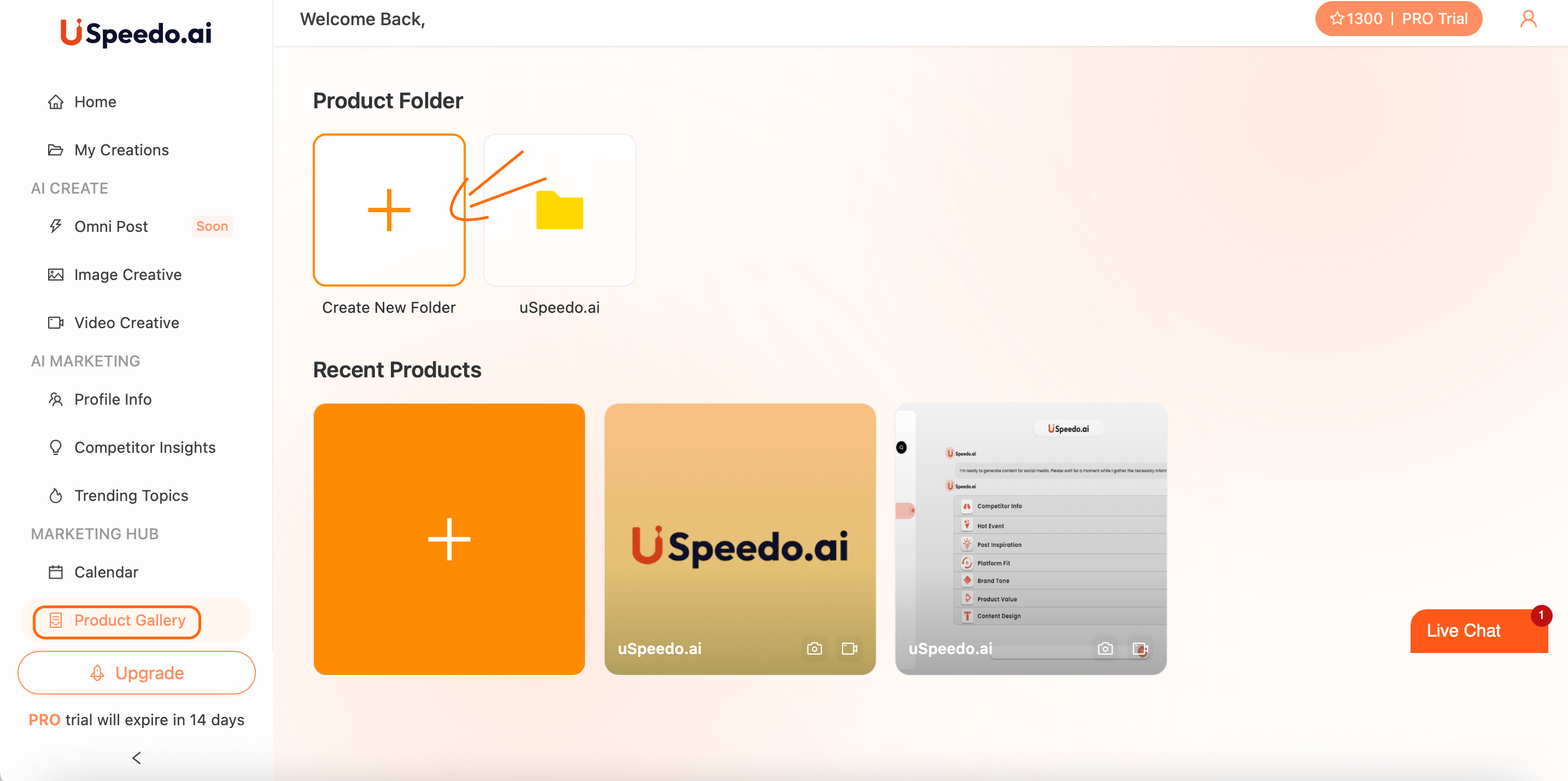
Navigate to → Marketing Hub → Product Gallery
You'll see your existing product folders and recent product entries.
Create a New Product
Click "+" Create New Folder to start a new product group.
Choose "+" Add Product inside the folder.
You can add product information in two ways:
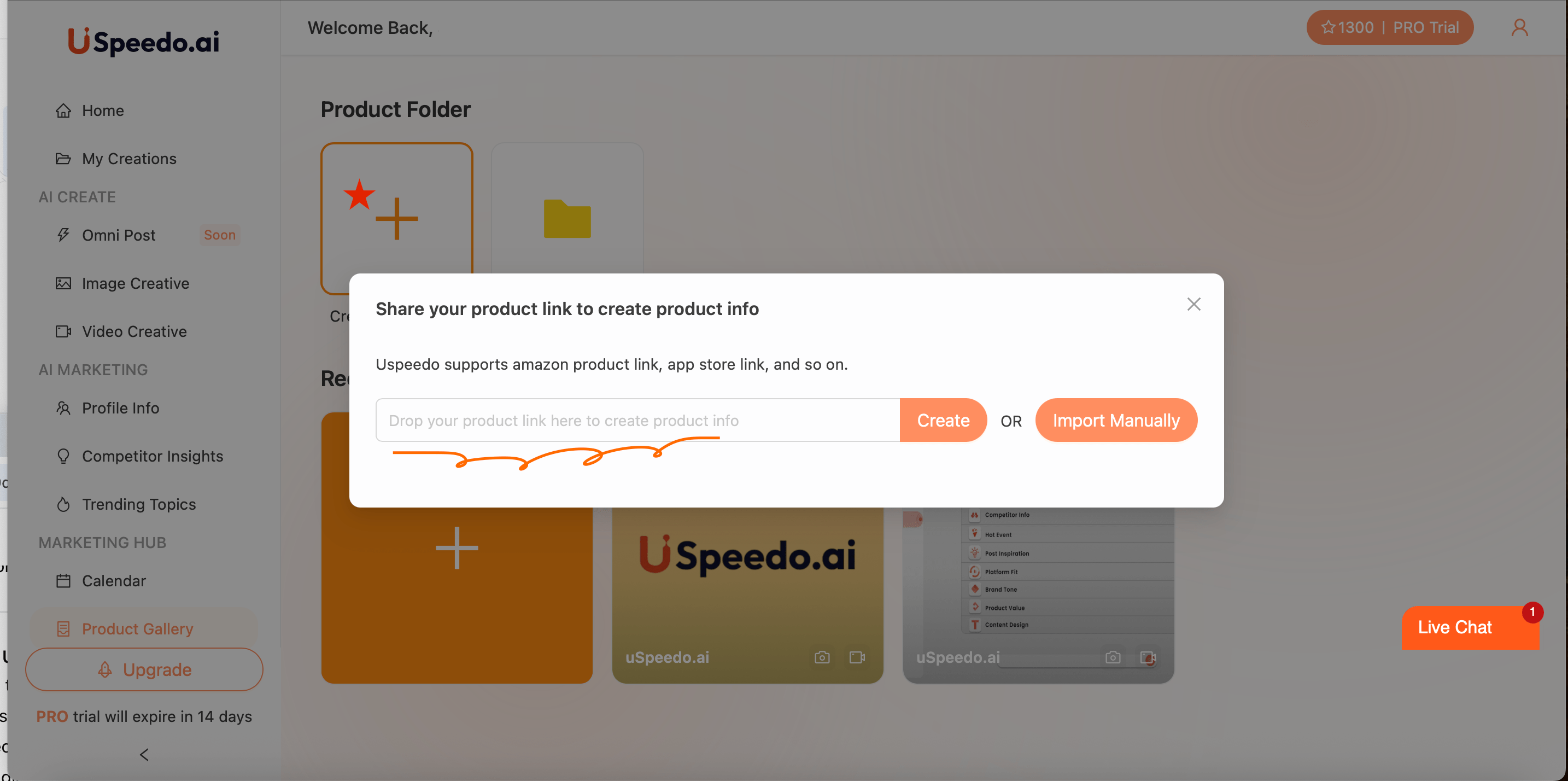
Paste a product link (e.g. from Amazon, App Store, or your website) and click Create — uSpeedo.ai will automatically extract product details.
Import Manually if you prefer to enter information yourself.
Product Details Page
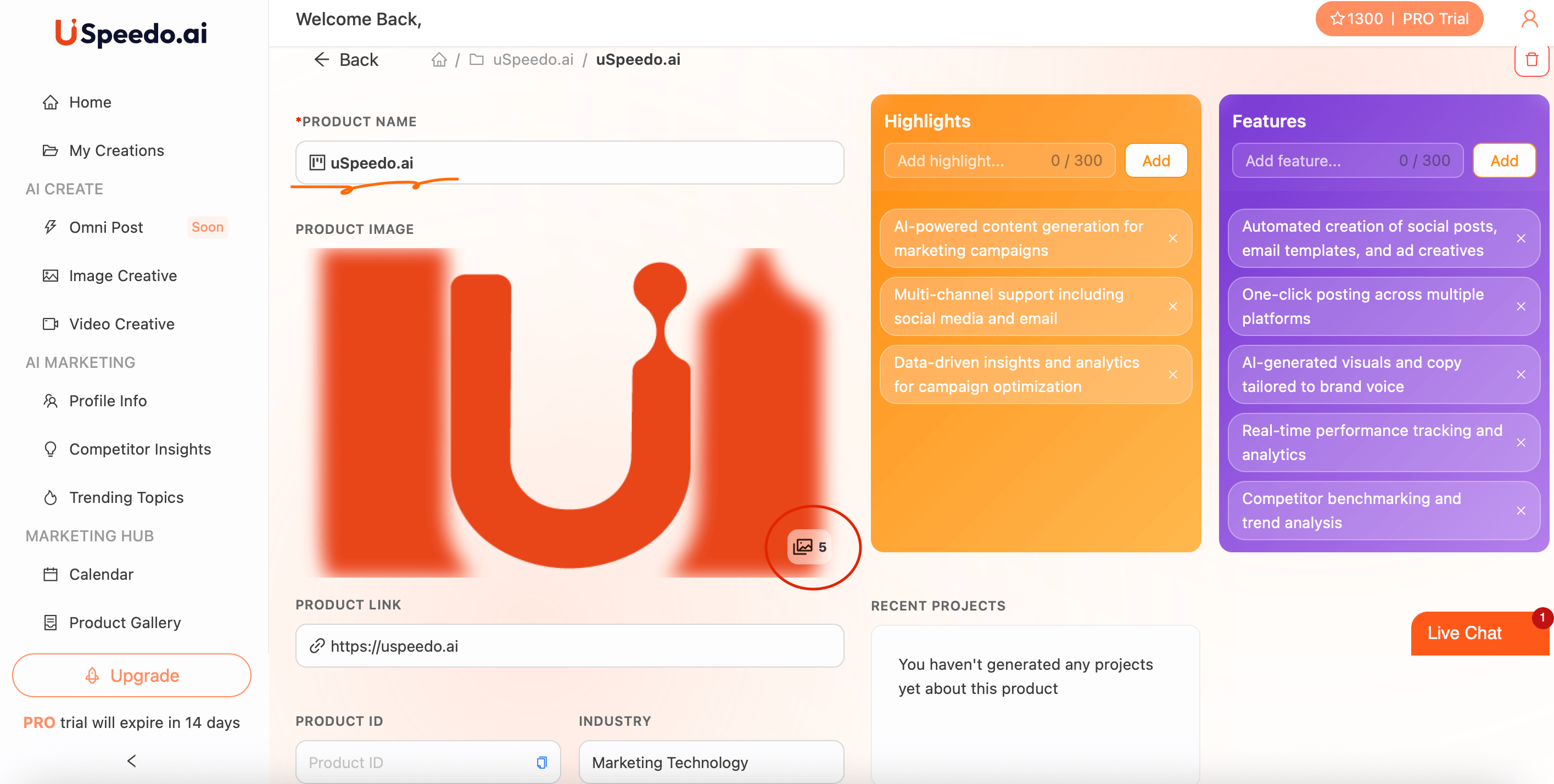
Once a product is created, you'll enter its dedicated workspace where you can define all key information:
Product Name – Appears at the top of the page and will be referenced across AI modules.
Product Image – Your main cover image, which represents the product throughout the platform.
Product Link – The URL leading to your product's online page.
Industry – Helps AI contextualize your brand within the right market segment.
Highlights – Short key selling points (up to 300 characters each).
Example: "AI-powered content generation for marketing campaigns."
Features – Functional or technical aspects of your product (up to 300 characters each).
Example: "One-click posting across multiple platforms."
These sections directly inform how the AI tailors creative copy, visuals, and campaigns for your brand.
Managing Product Assets
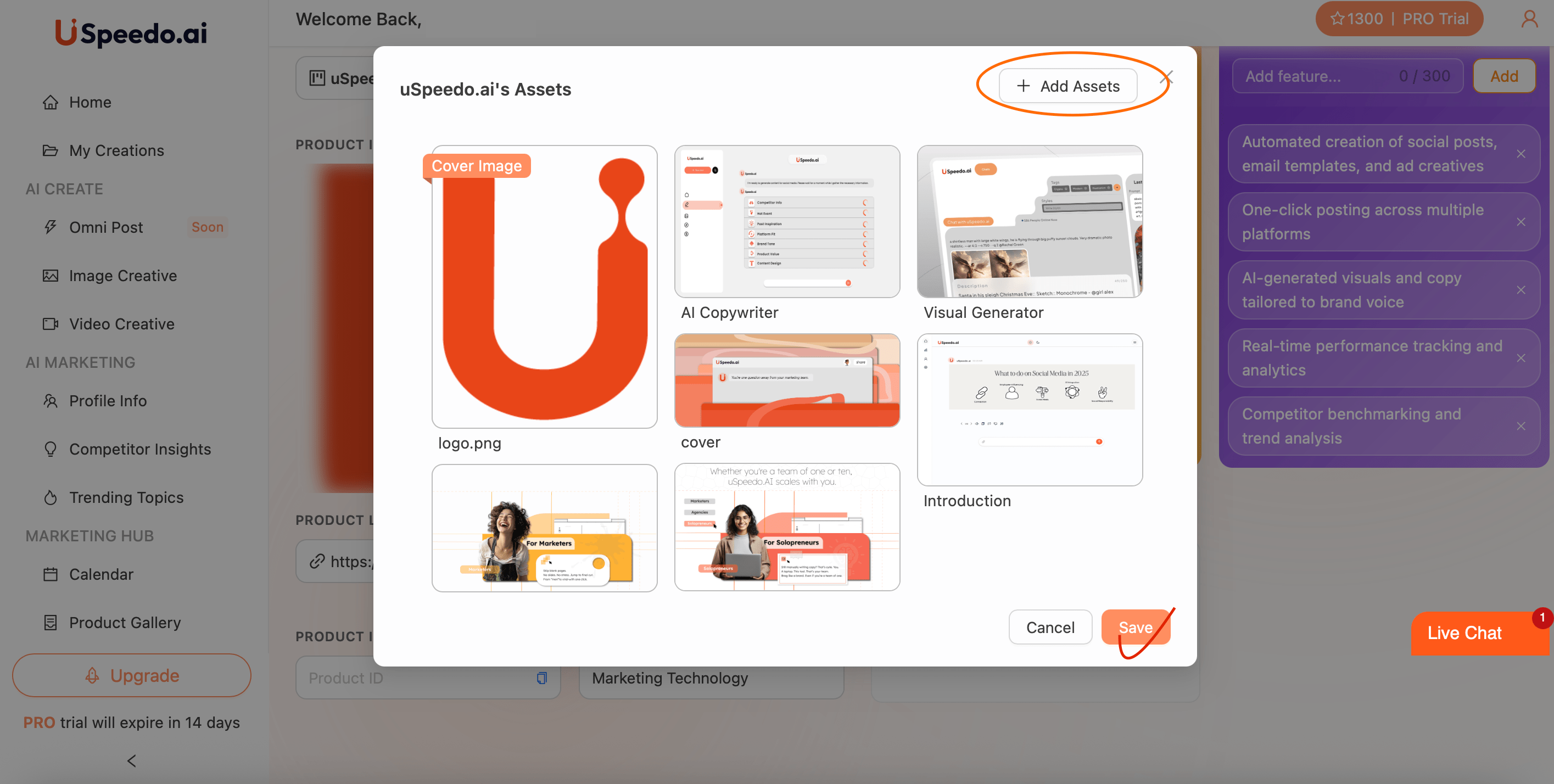
Click the gallery icon at the bottom-right of your product card to open your Asset Library.
Here you can upload and manage up to 10 images or materials related to your product — such as logo, banner, screenshots, or campaign visuals.
Each image can be labeled and previewed, helping you build a comprehensive creative base for consistent AI generation across Image Creative, Video Creative, and Omni Post.
Pro Tip
Keep your Product Gallery updated — the more complete your highlights, features, and visuals are, the more context uSpeedo.ai can use to generate personalized and high-quality content.