Managing and Refining Results
This section collects all shared features across modules — essential for mastering AI refinement.
1
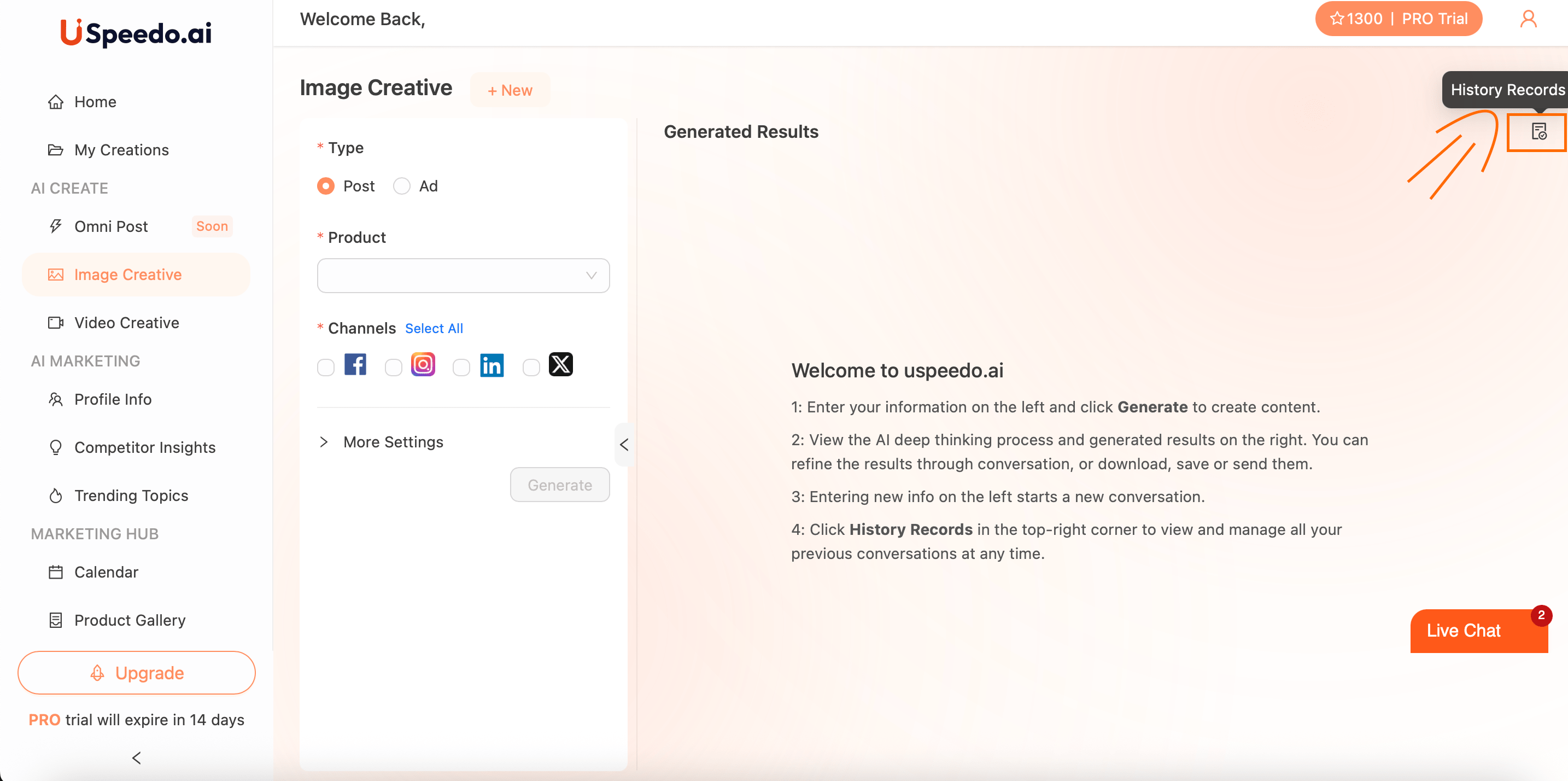
History Records
Access all your previous creative sessions by clicking the History Records icon in the upper-right corner.
2
Regeneration & Editing
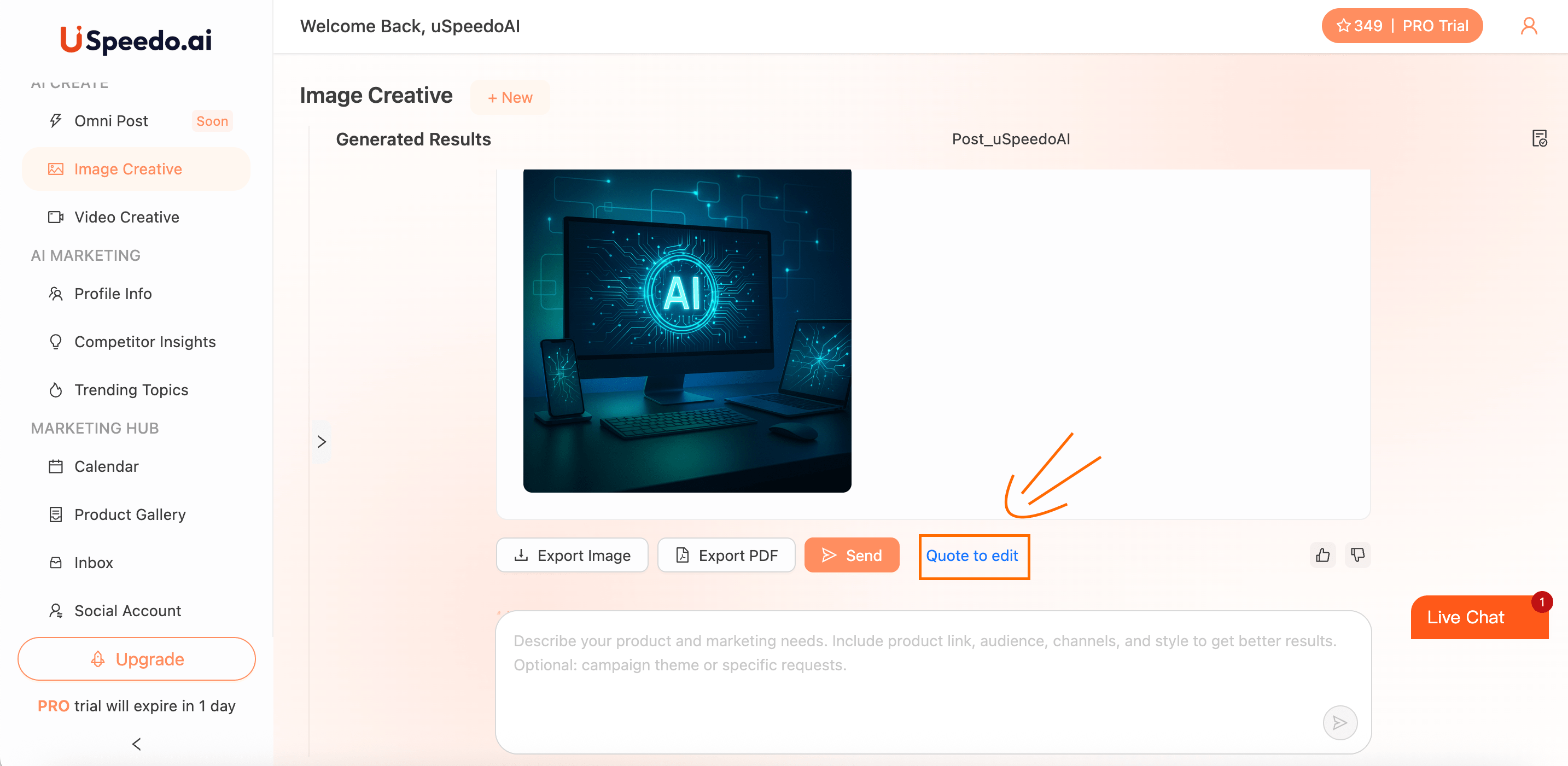
Click Quote to Edit to modify prompts or briefs while keeping your creative context.
AI remembers tone, product, and visual cues for continuity.
3
Chat-Based Refinement
Use the chat box at the bottom of every module to directly guide AI:
• "Make this post more playful and Gen Z-friendly."
• "Adjust lighting to soft pastel tones."
4
Export & Sharing
Export your output as Image or PDF, or copy captions for external sharing.